peechcookie
BetaA dual-panel file manager that lets you look before you move.
Two panels, a preview for nearly every file type, and an infinite canvas for the folders you actually think about.
Free during beta · Windows 10/11. This build isn’t code-signed yet, so SmartScreen may warn — choose “More info → Run anyway”.
The app keeps itself up to date. Email carries release notes, new posts, and launch news — and subscribers get a discount at launch. Get updates by email →
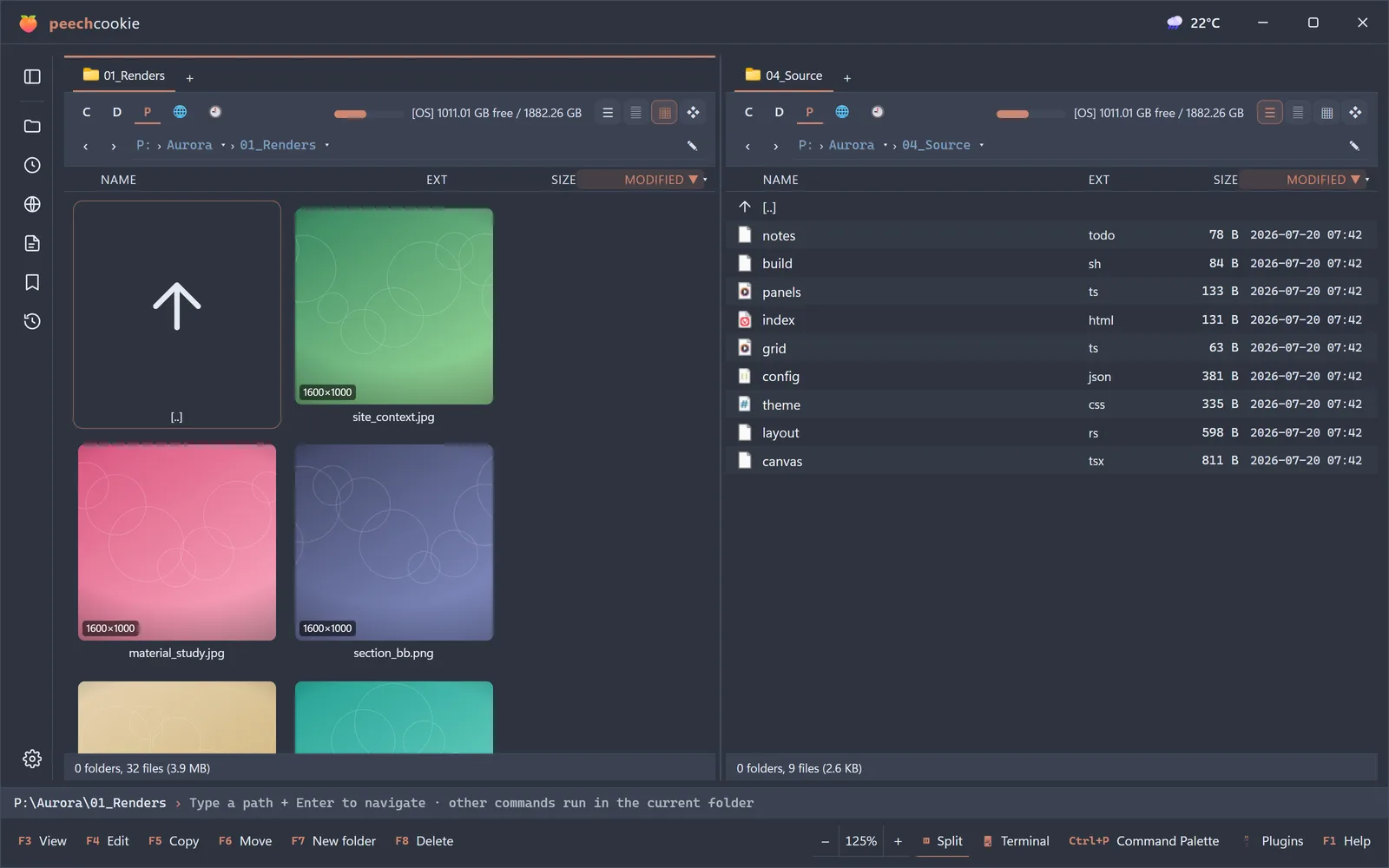
Most file managers show you a list of names and ask you to remember what is inside them. peechcookie shows you the files.
Two panels for moving things quickly, a preview pane that renders far more than images and text, and a canvas view for the folders that are really workspaces in disguise.
Who it is for
People who live in a file manager: photographers, 3D artists, developers, and anyone whose
Downloads folder is a second desktop.
Features
Dual panel
Source on the left, target on the right. The layout that made file management fast, still the fastest.
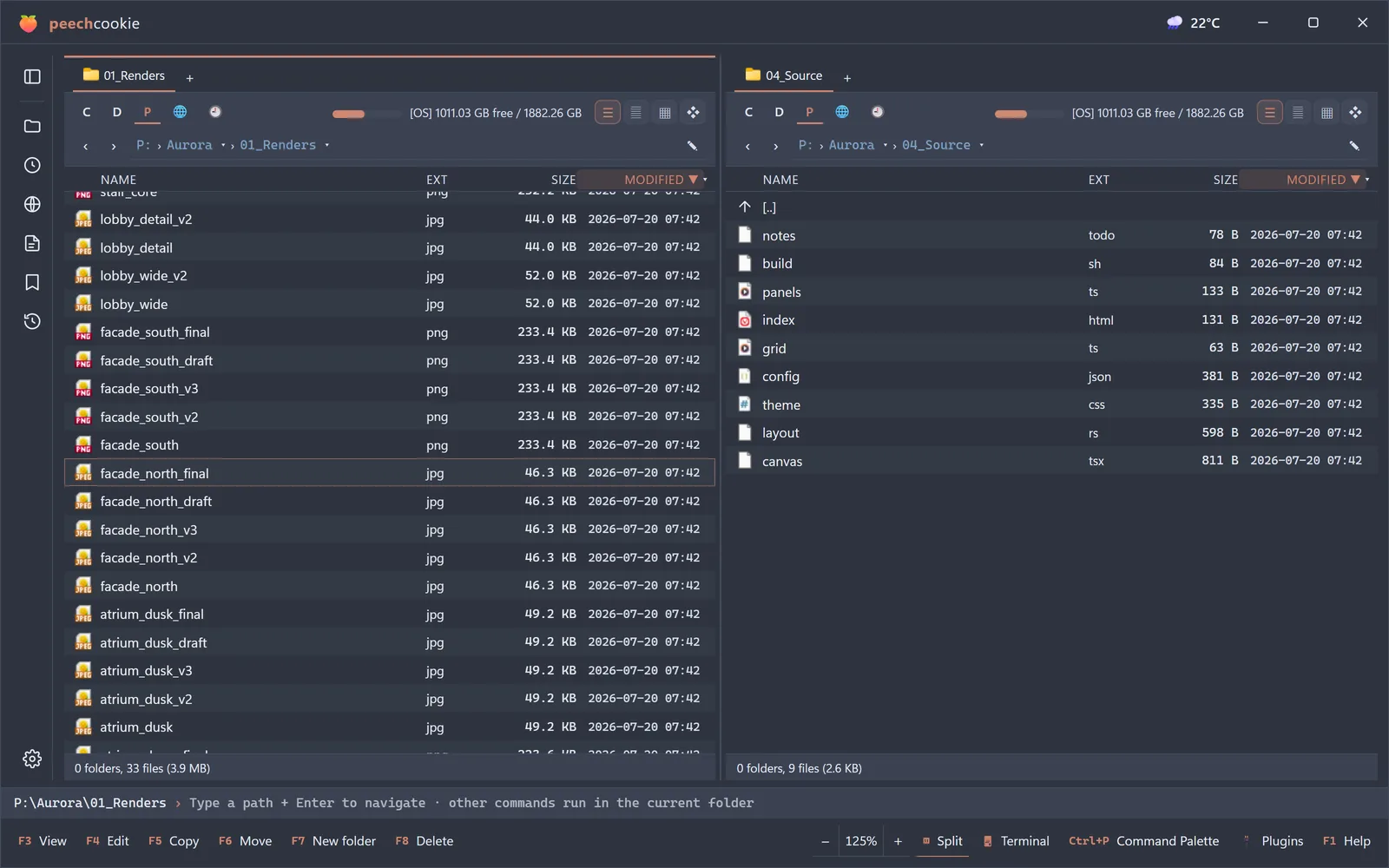
Preview almost anything
Folders, 3D models, HWP, and 2D assets render inline — no round trip through another application.
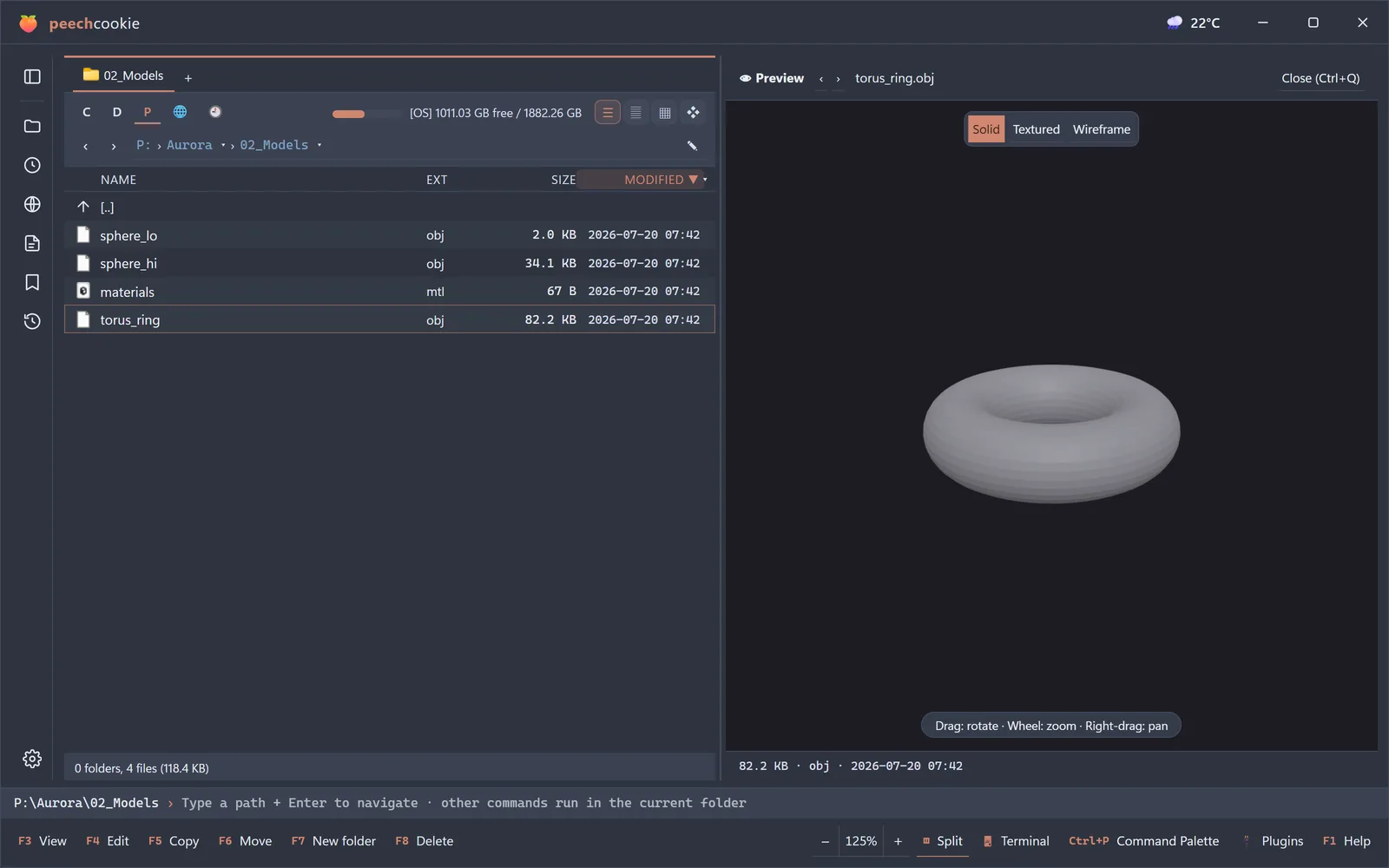
Canvas view
Spread a folder across an infinite canvas, arrange files spatially, and manage them where you left them.
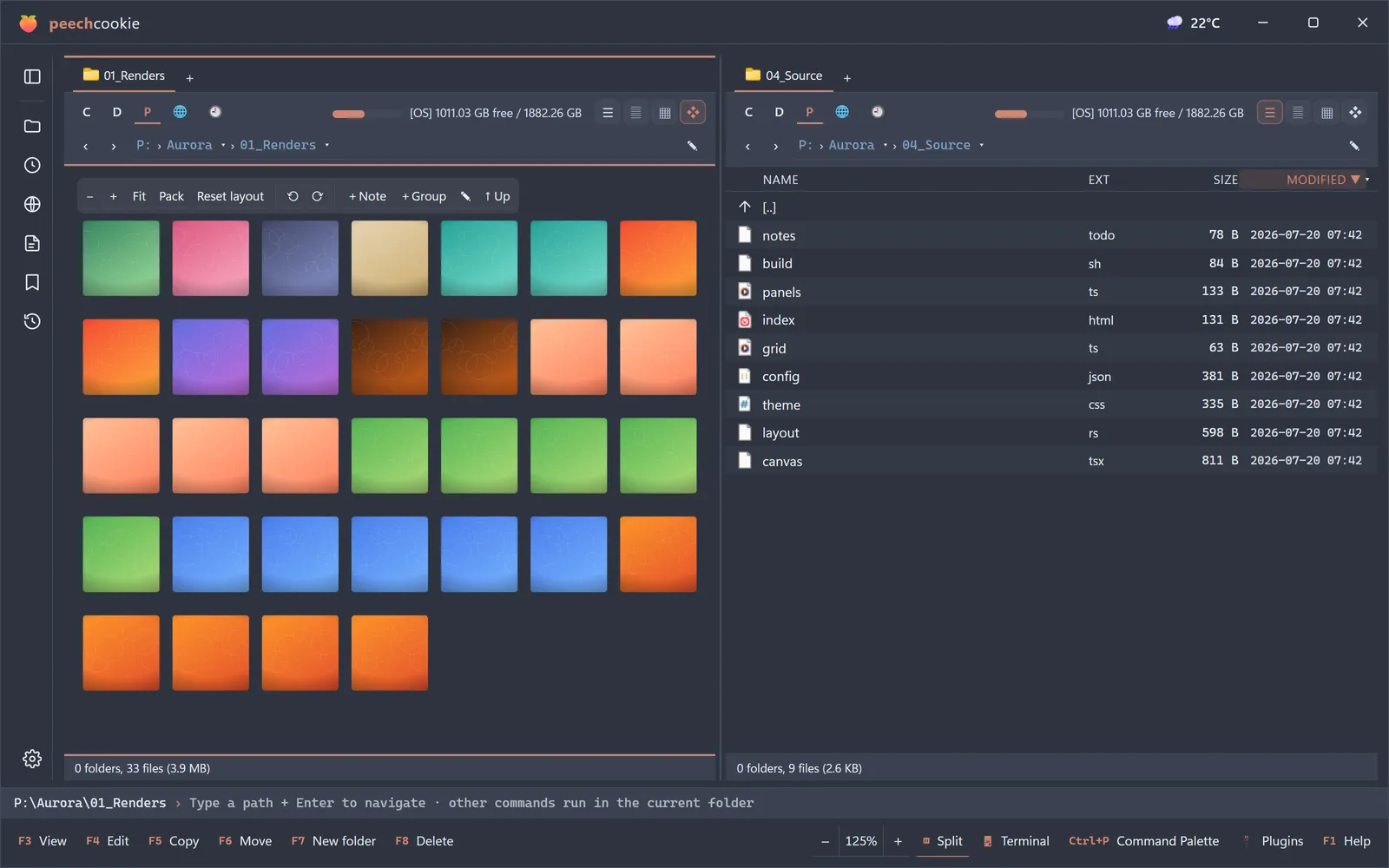
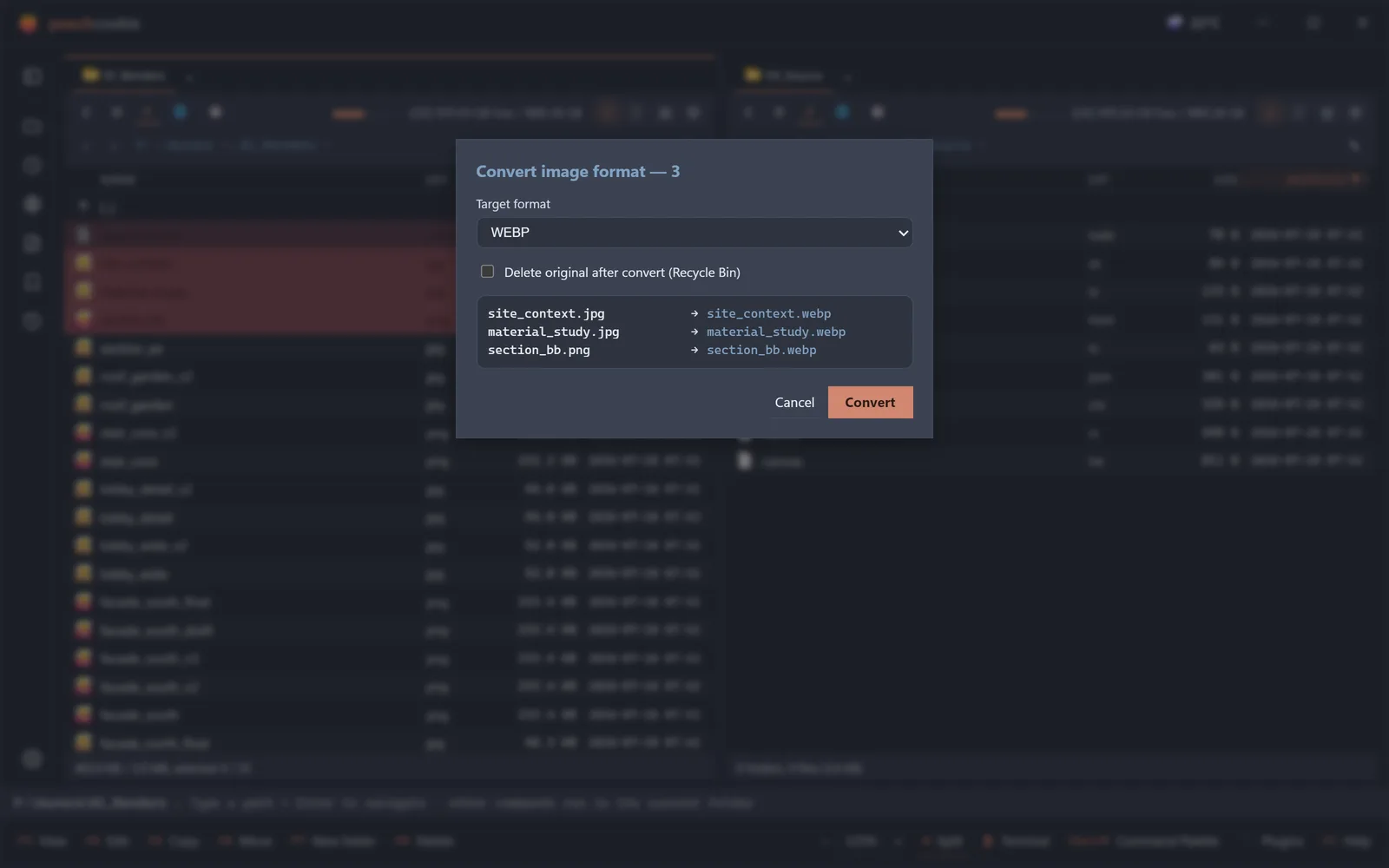
File conversion
Convert formats in place, from the panel, without opening an editor.
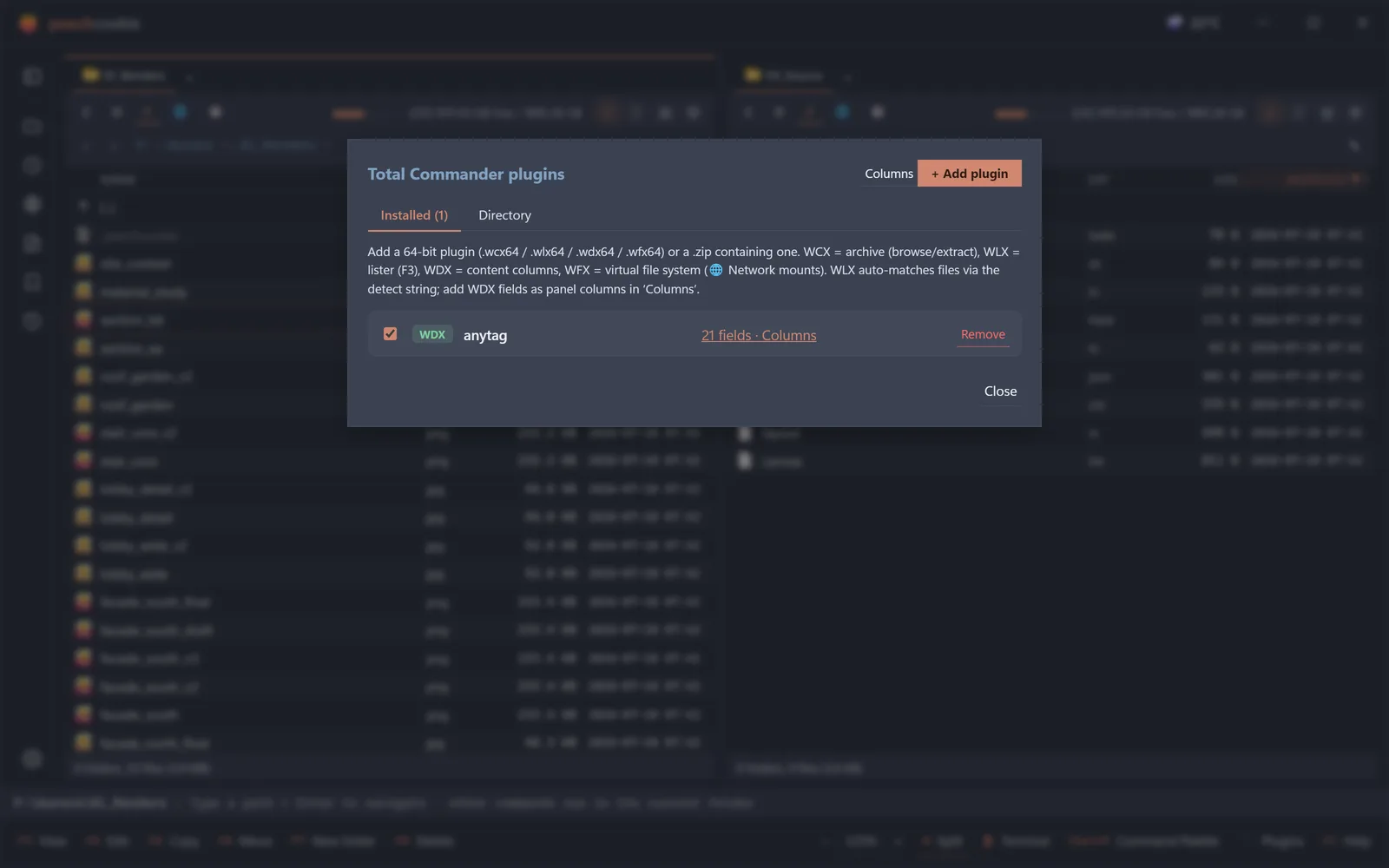
Total Commander plugins
Existing TC plugins load as-is, so a decade of tooling comes with you.
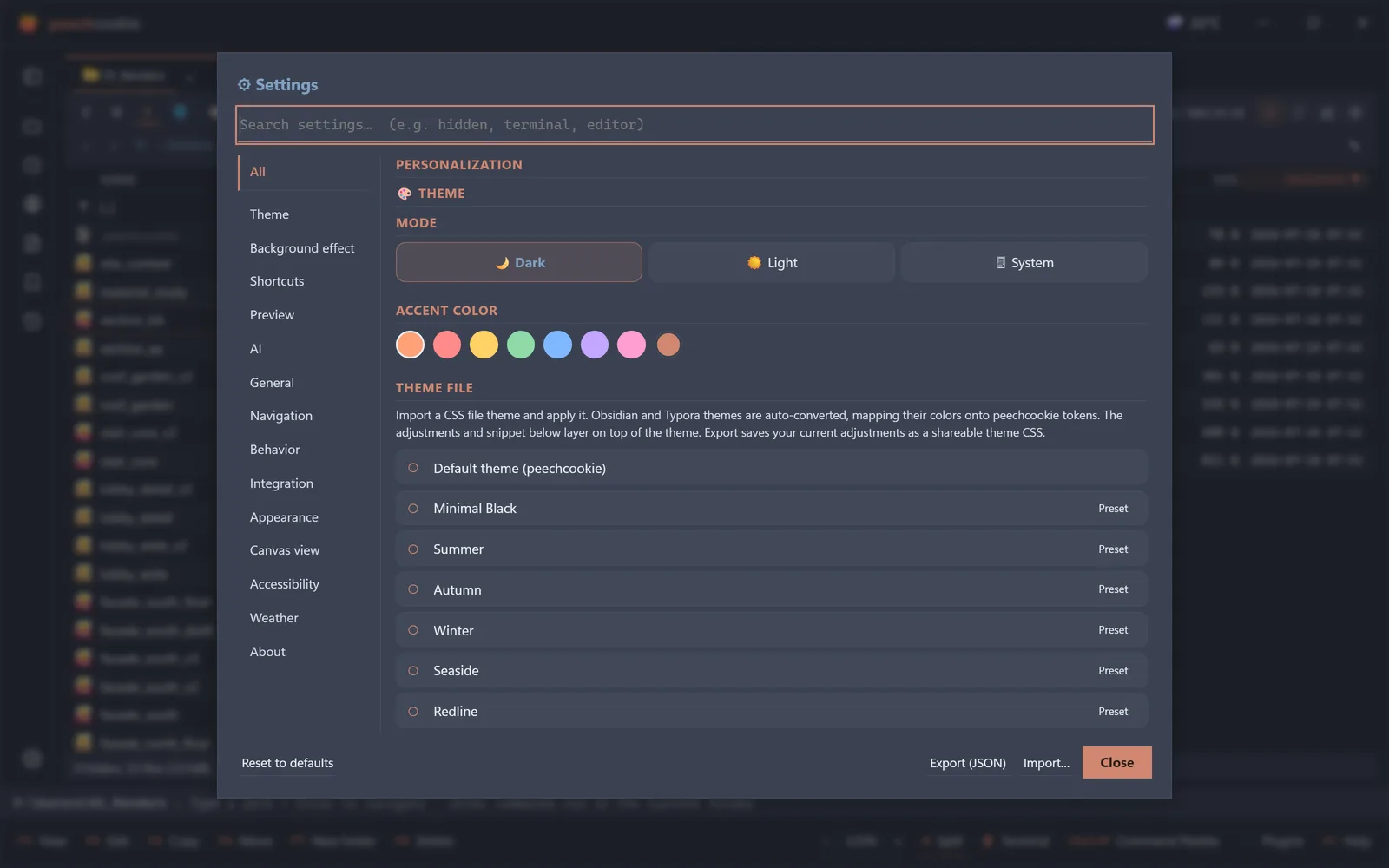
Themes you already own
Import Typora and Obsidian themes, or use one of the built-ins.
Pricing
Free while it is in beta
Every feature is unlocked and nothing is for sale yet. Launch pricing isn’t final — the email list hears it first.
For the email list
Subscribers get a discount when it launches.
Release notes and new posts go out on the same list. Leave whenever you like.
Get updates by email