MilkMind
BetaThink in mind maps. Ship a document.
A markdown editor where your outline and your mind map are the same file, kept in sync both ways.
Free during beta · Windows 10/11. This build isn’t code-signed yet, so SmartScreen may warn — choose “More info → Run anyway”.
The app keeps itself up to date. Email carries release notes, new posts, and launch news — and subscribers get a discount at launch. Get updates by email →
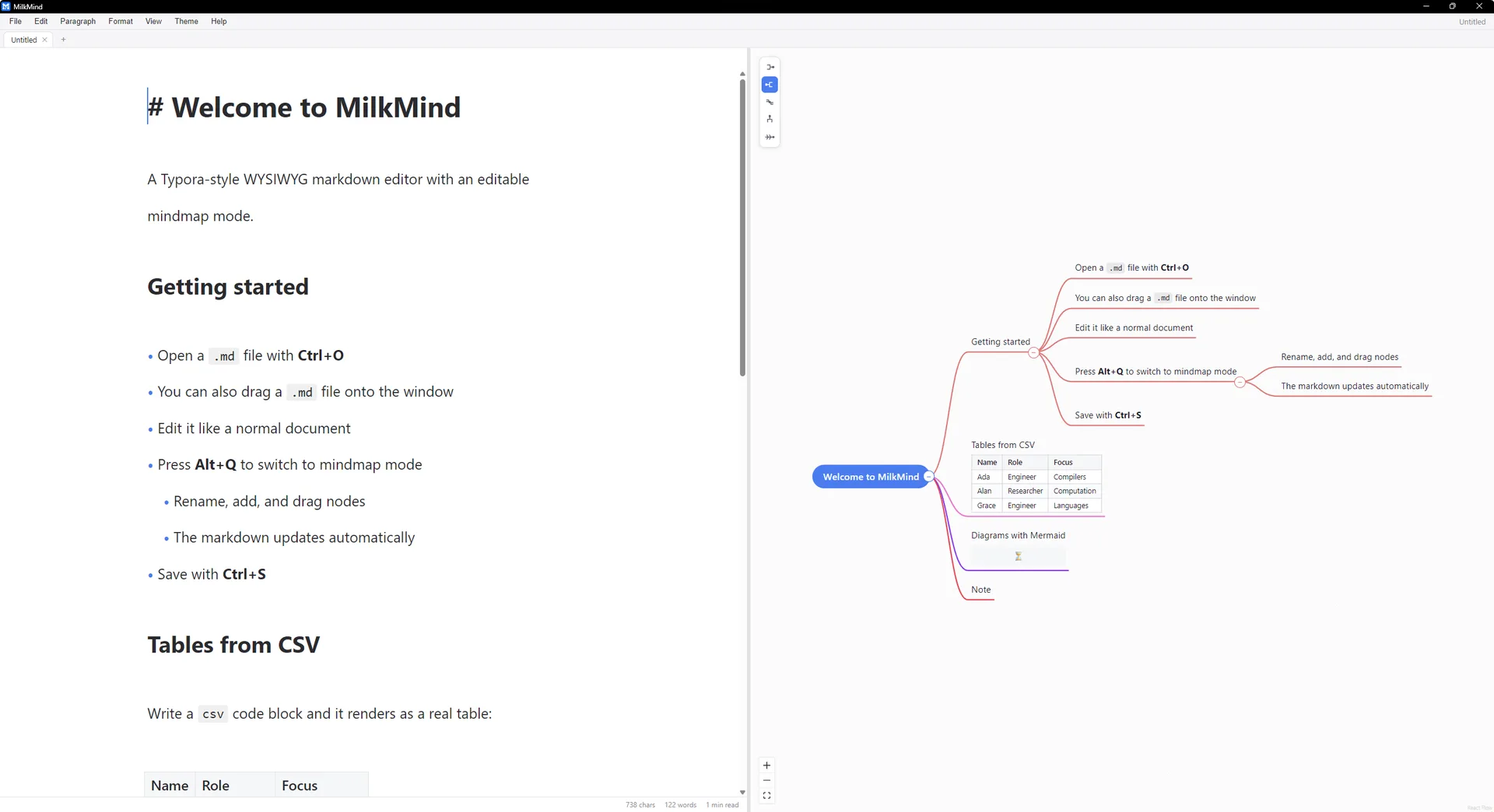
MilkMind started as a complaint. A mind map is the right place to think; the actual deliverable is a document. Every tool made you pick one, then retype the other once the map was done.
So MilkMind treats them as two views of a single markdown file. Write a heading, get a node. Reorder nodes, get a restructured document. Nothing is exported, converted, or lost in between.
Who it is for
Writers who outline before drafting, and anyone who has ever rebuilt a document from a mind map by hand.
Everything you need to write
and nothing you do not
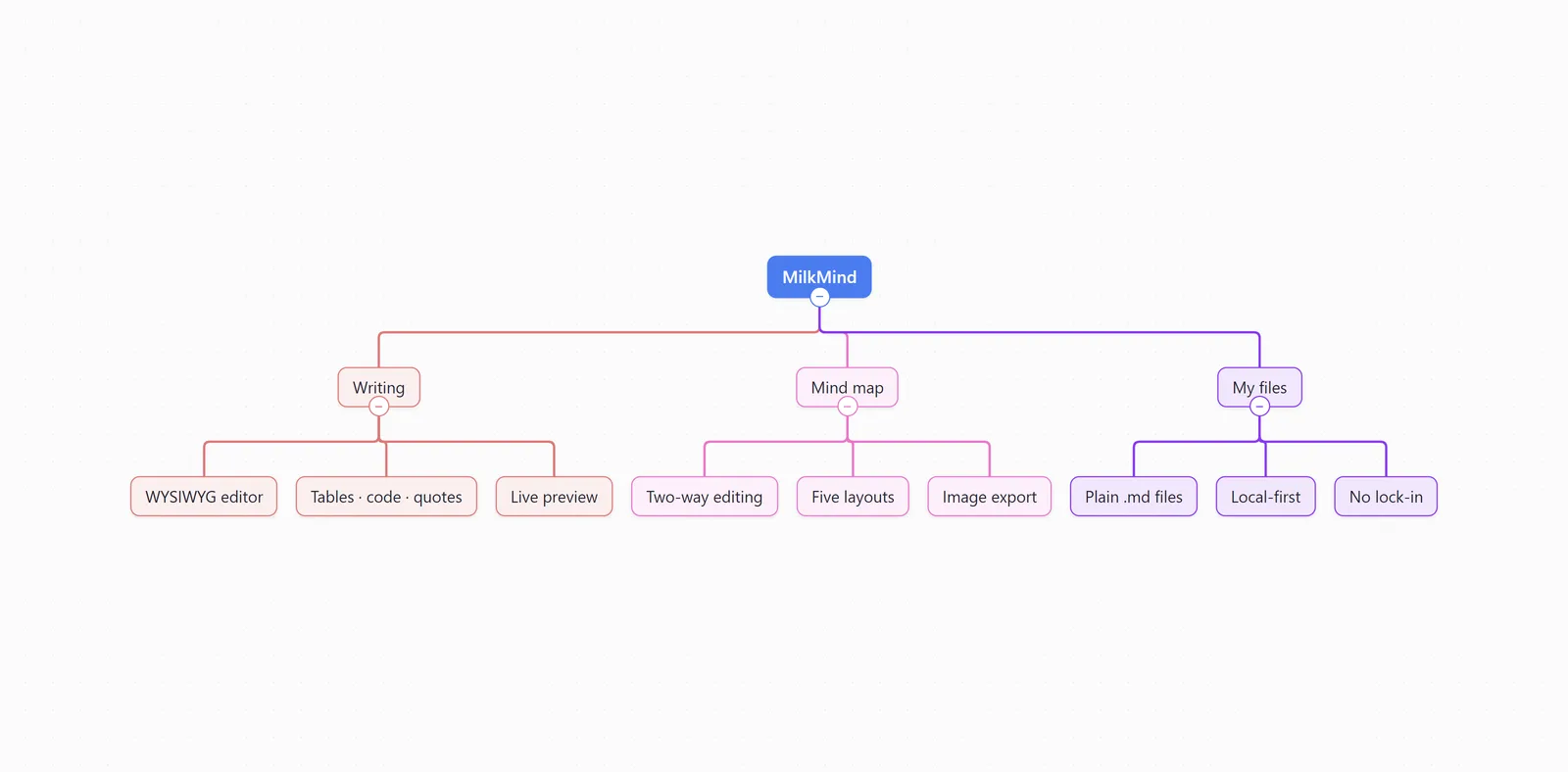
Two-way sync
Edit the document and the map updates. Drag a branch or rename a node and the document follows. Nothing is exported or converted — the source is always one markdown file.
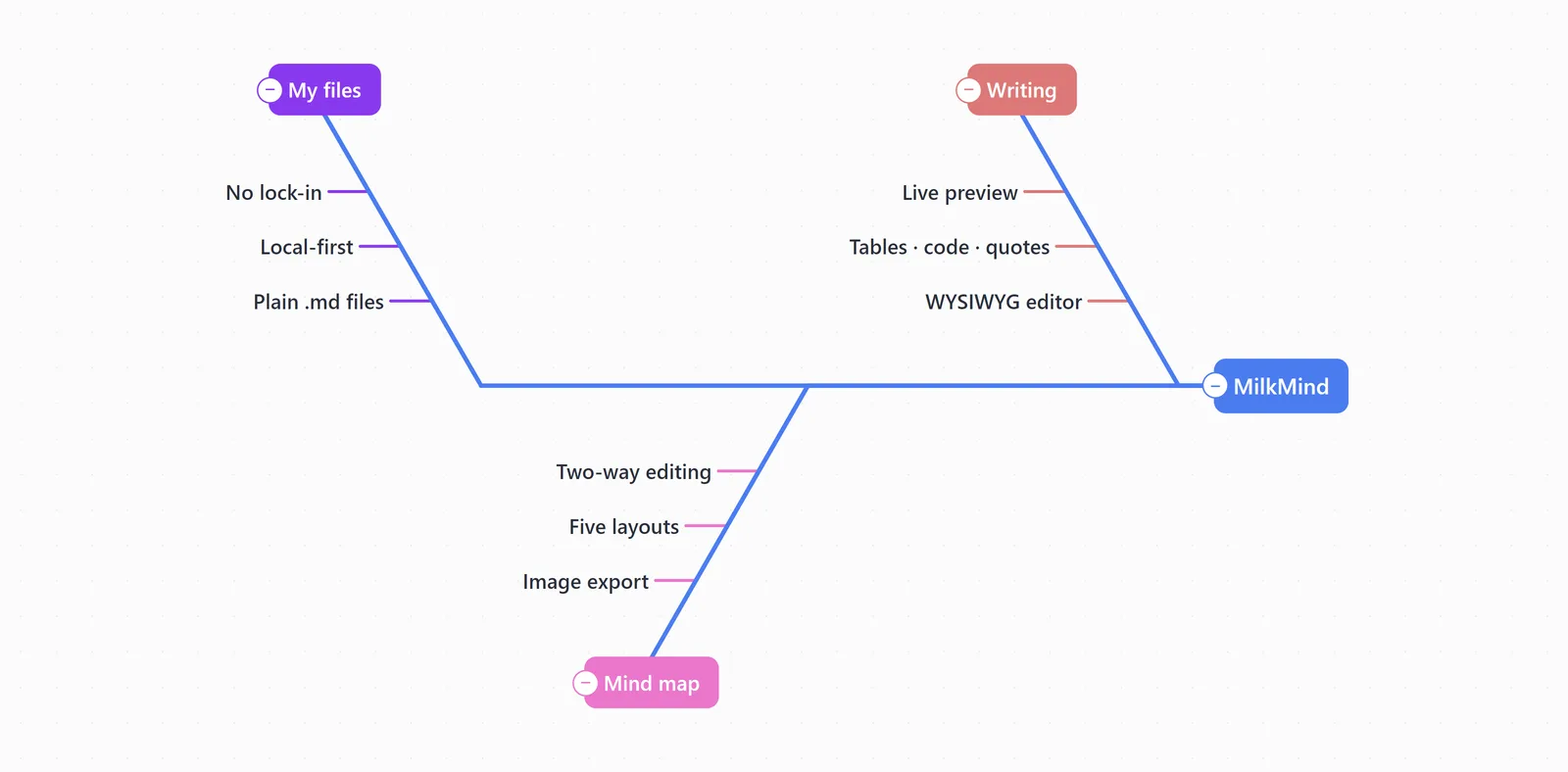
Five map layouts
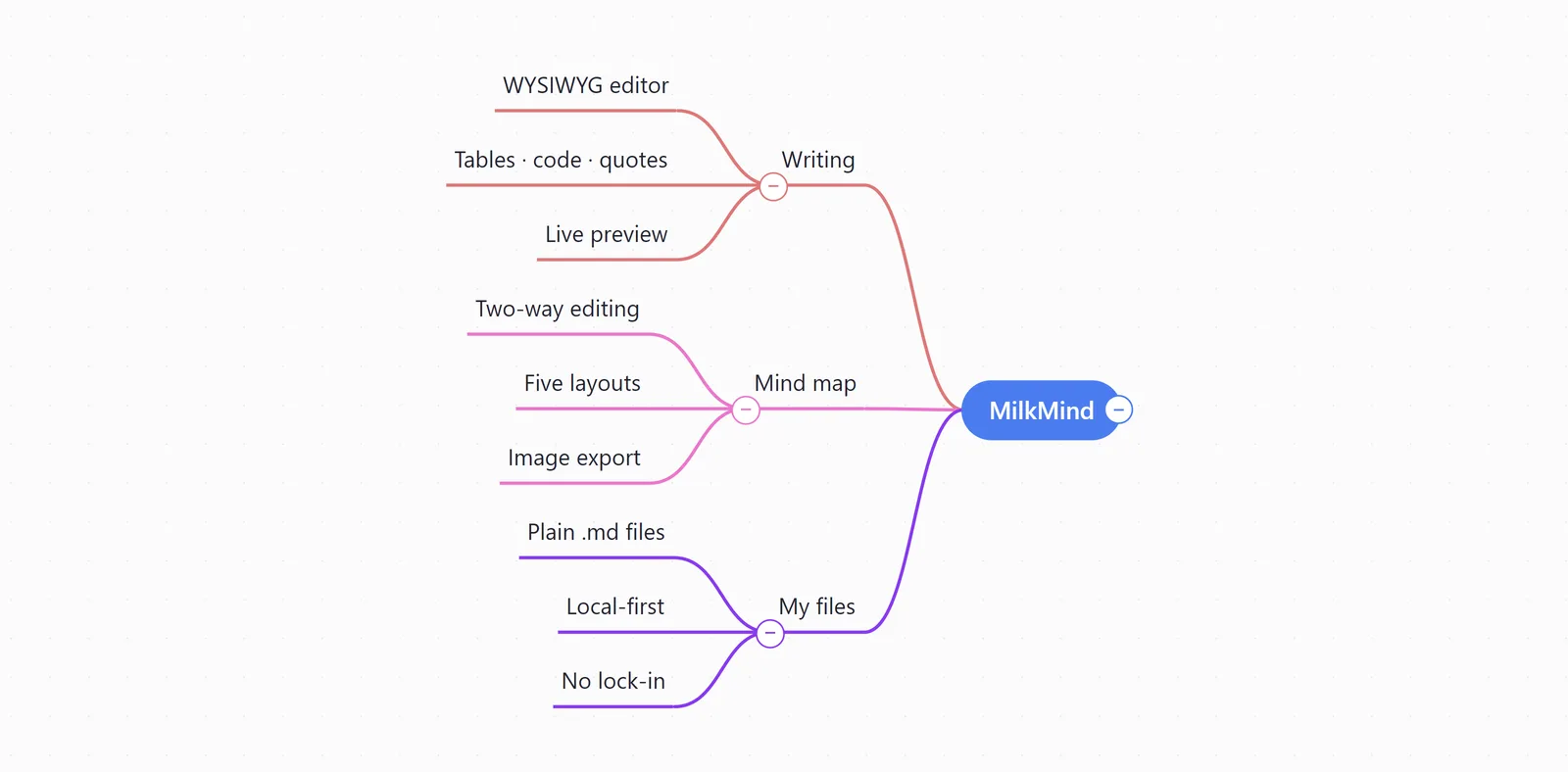
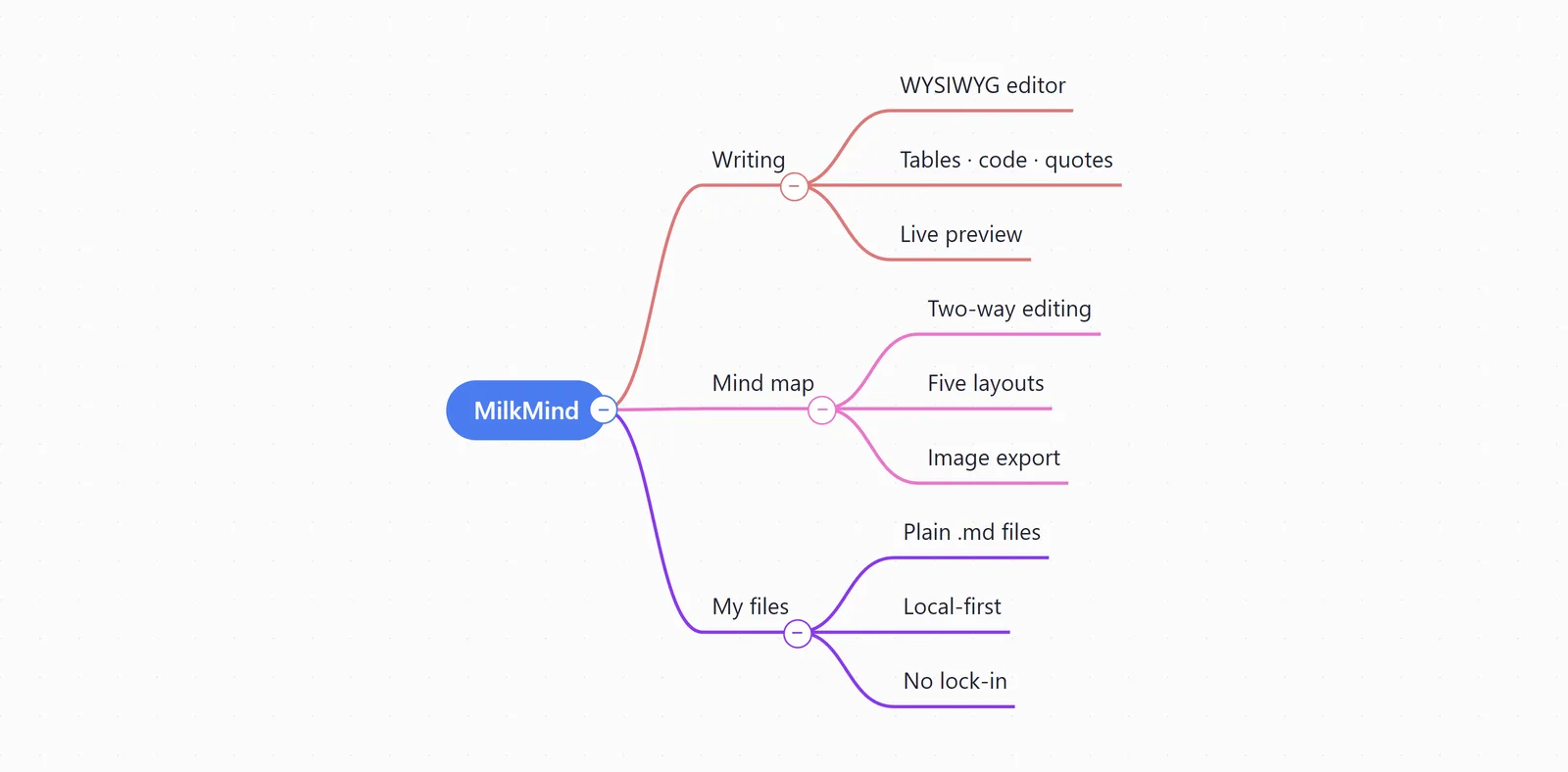
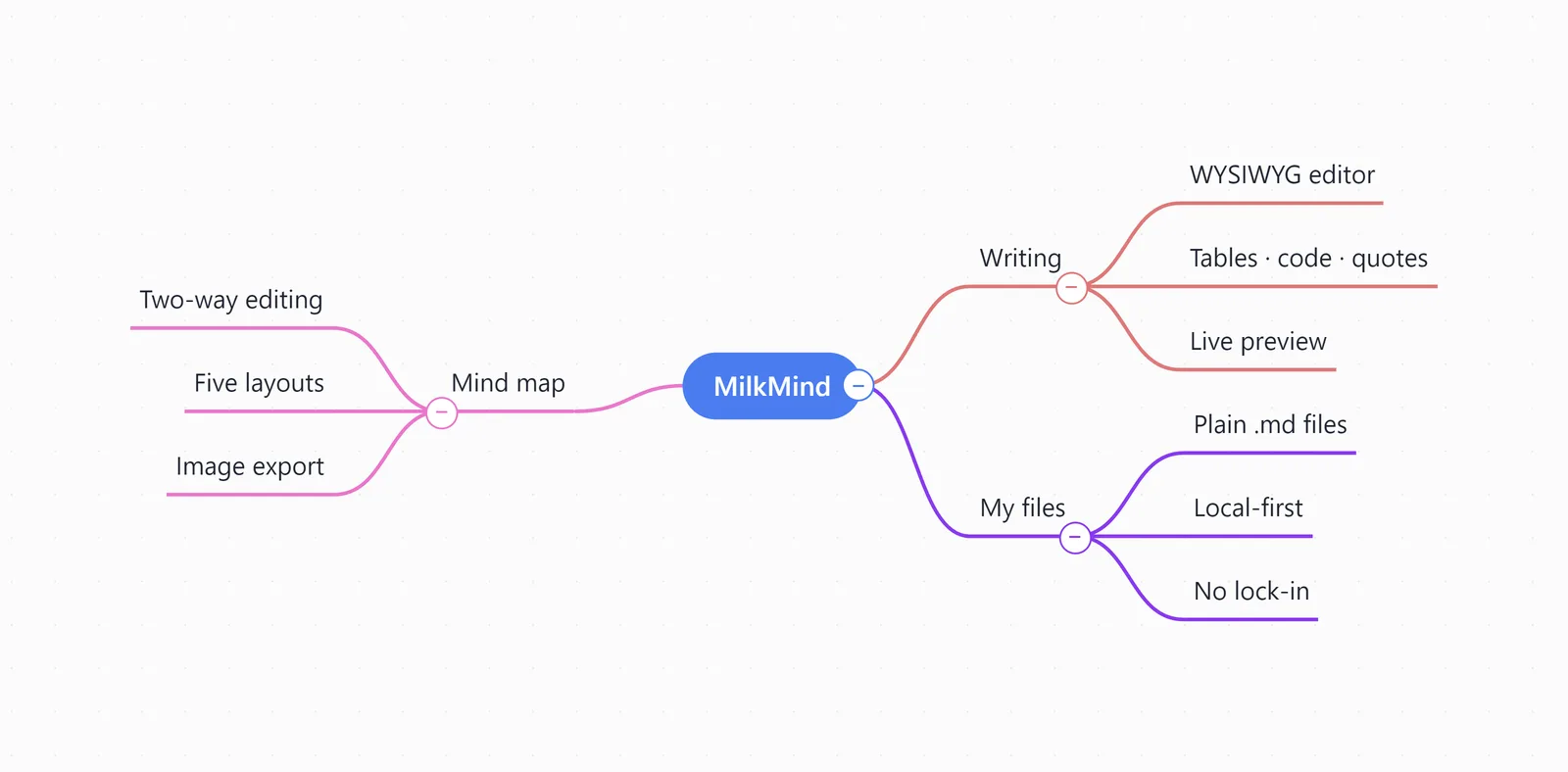
Left, right, bidirectional, top-down, and fishbone. Switch how you look at it without touching what it says.
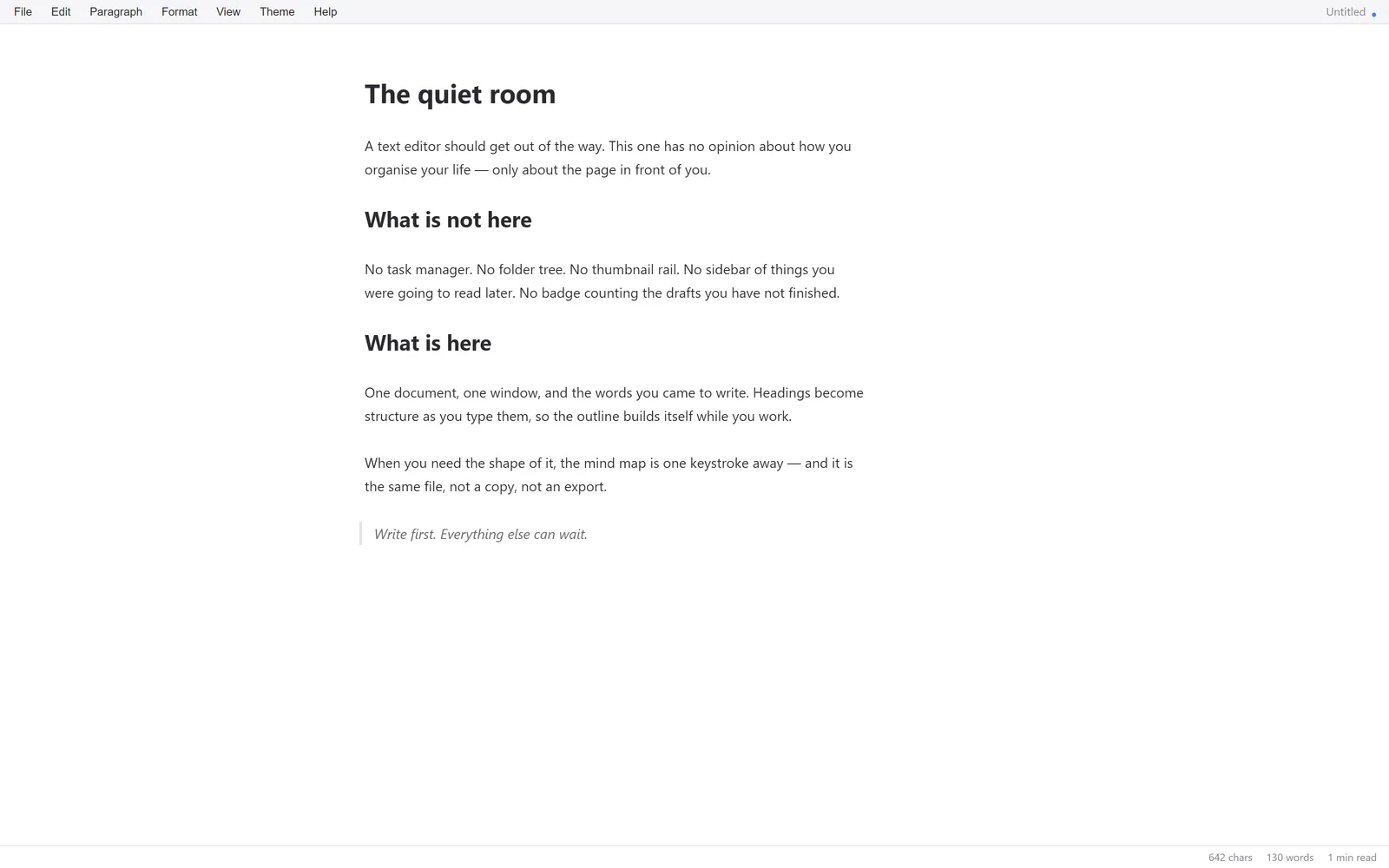
A screen for writing, nothing else
No task manager, no folder tree, no thumbnails. One document, one window, and only what you need to write it.
Typewriter and focus modes
Pin the caret line to the middle of the screen and dim every paragraph except the one you are writing.
Extended markdown
Syntax borrowed from Obsidian and others. Paste it into the document and it renders where it lands.
- YouTube preview — paste a link and it plays inline
- CSV blocks — render as real tables
- Nested mind maps — put a whole map inside a node
- Mermaid diagrams — charts draw themselves as you type
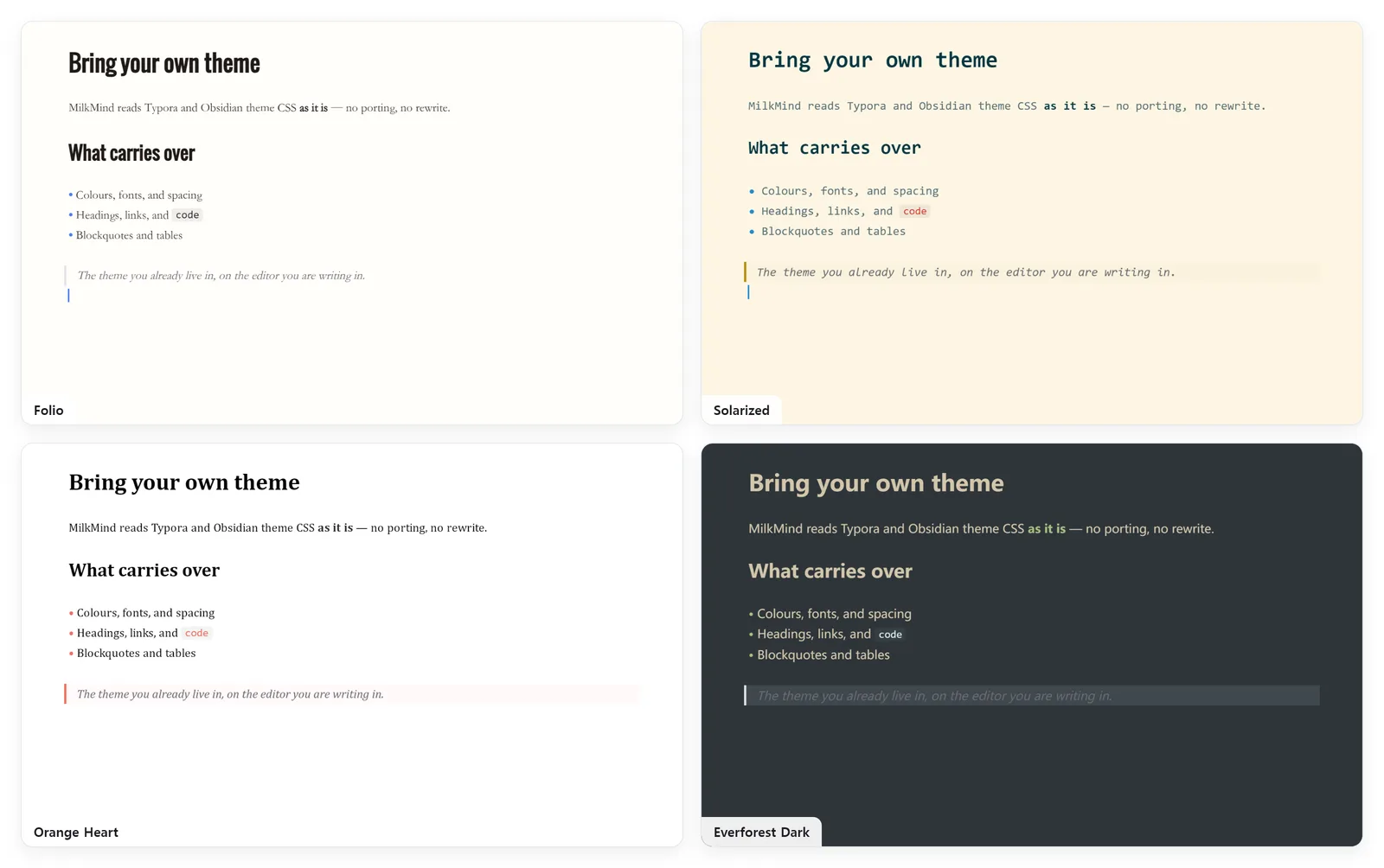
Bring your own theme
MilkMind reads Typora and Obsidian themes directly. Or tune them yourself — a colour picker for every token, and fonts from whatever you have installed.
Confetti for every checkbox
A small burst each time you tick something off, and fireworks across the whole window the moment you clear the last open task.
Export anywhere
Documents to DOCX, HTML, and PDF; mind maps to PNG and SVG. Tables and diagrams travel along, fully rendered.
Your files stay yours
No account, no sync server, no proprietary format — just markdown files in a folder. They outlive the app.
A 4.2 MB installer
Electron apps ship an entire browser inside them. MilkMind is built on Tauri and borrows the WebView2 that Windows already has.
Pricing
Free while it is in beta
Every feature is unlocked and nothing is for sale yet. Launch pricing isn’t final — the email list hears it first.
For the email list
Subscribers get a discount when it launches.
Release notes and new posts go out on the same list. Leave whenever you like.
Get updates by emailOne file. Two views. No retyping.
MilkMind is in beta, and free for as long as it is.
Free during beta · Windows 10/11. This build isn’t code-signed yet, so SmartScreen may warn — choose “More info → Run anyway”.